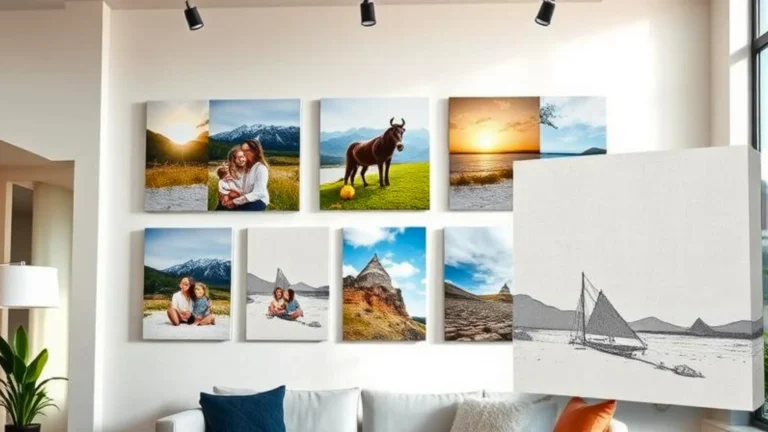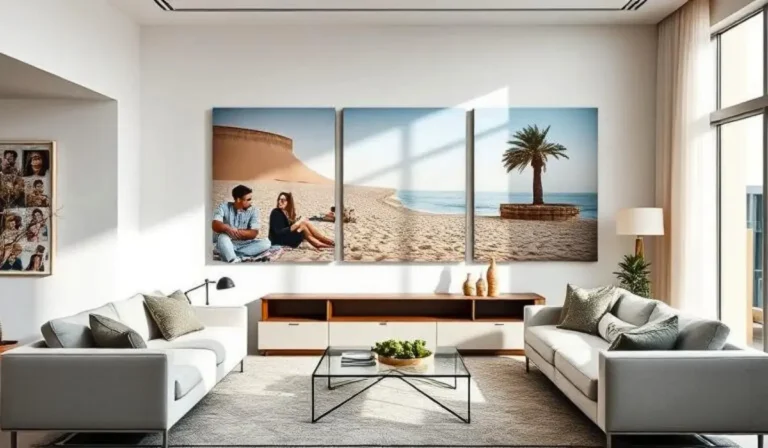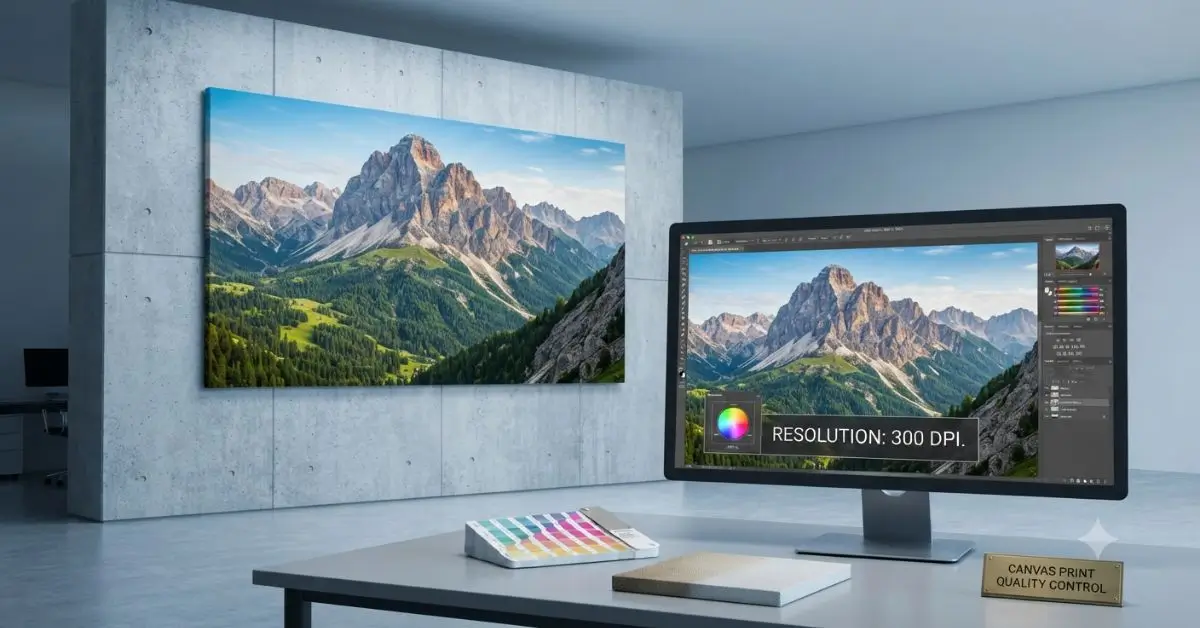
To print photos on canvas without losing quality, start with a high‑resolution image (300 DPI at final size), choose a professional printing method like Giclée, and select a premium cotton or cotton‑blend canvas. Avoid over‑editing, uploading compressed files, or using cheap materials that compromise colour and sharpness.
I’ve seen countless beautiful photos turn into blurry, pixelated messes because the image was too small or the printer used inferior inks. This guide covers everything you need to know – from image resolution and file preparation to canvas materials and finishing – so your artwork looks professional, vibrant, and gallery‑ready.
Why Image Quality Matters in Canvas Printing
Canvas printing is different from printing on paper. The textured surface of canvas can both hide minor imperfections and magnify major ones. If your image is low resolution, the enlargement will reveal every flaw—soft edges, visible pixels, and colour banding.
Key factors affected by image quality:
- Sharpness: Blurry images become more obvious on large canvases.
- Color accuracy: Poorly prepared files result in muddy or washed‑out colours.
- Print longevity: High‑quality inks and materials ensure your print stays vibrant for decades.
Professional canvas printing services use color-managed workflows and premium materials to preserve the integrity of your image. At ArtPlus, we specialize in custom canvas printing with archival pigment inks and museum‑grade cotton canvases—ensuring every detail is faithfully reproduced.
What Resolution Is Best for Printing Photos on Canvas?
Ideal DPI (Dots Per Inch)
- 300 DPI: Best for fine art and highly detailed images. This is the professional standard.
- 240 DPI: Acceptable for most photos, especially when viewed from a normal distance.
- 150 DPI: Minimum for large canvases (over 24″) where viewers stand further away.
Minimum Image Size (Pixels)
Use this table to determine if your photo has enough resolution:
| Canvas Size | Recommended Pixels |
| 8″ x 10″ | 2400 x 3000 |
| 12″ x 18″ | 3600 x 5400 |
| 16″ x 20″ | 4800 x 6000 |
| 20″ x 30″ | 6000 x 9000 |
| 24″ x 36″ | 7200 x 10800 |
“A 300 DPI image at 24″x36″ requires over 77 million pixels—that’s the quality you need for a truly sharp large canvas.”
Choose the Right Photo Before You Print on Canvas
Not every photo is suitable for canvas printing. Here’s what works best:
- Smartphone photos: Modern phones (12MP+) can produce decent 8″x10″ to 12″x18″ prints.
- DSLR or mirrorless cameras: Ideal for large prints; they capture enough detail for 24″ x 36″ and beyond.
- RAW images: Contain more data than JPEGs, allowing better colour correction and sharpening.
- AI‑enhanced images: Tools like Topaz Gigapixel can upscale low‑resolution photos, but results vary.
Avoid screenshots, images saved from social media, or heavily compressed files—they lack the data needed for sharp, vibrant prints.
How to Prepare Your Photo Before Canvas Printing
Follow these steps to optimise your image for print onto canvas:
- Crop Properly: Match your image’s aspect ratio to the canvas size to avoid unwanted cropping.
- Increase Resolution Carefully: Use professional software (Photoshop, Lightroom, or GIMP). Avoid stretching images in basic apps—they create blur.
- Adjust Brightness: Canvas absorbs some light; slightly brightening your image helps compensate.
- Improve Contrast: Enhances depth and makes colours pop.
- Sharpen Image: Light sharpening (15–20%) compensates for slight softness during printing.
- Remove Noise: Reduce digital noise (grain) before printing for a cleaner finish.
Best Canvas Material for High‑Quality Prints
| Canvas Type | Texture | Durability | Colour | Cost |
| Cotton Canvas | Rich, natural | High | Excellent | Higher |
| Polyester Canvas | Smooth, plasticky | Medium | Good | Lower |
| Cotton Blend | Balanced | High | Very good | Medium |
Cotton canvas is the professional choice. It absorbs ink beautifully, holds colour depth, and has a classic artist‑grade texture. Learn more about choosing the right material in our guide to the best canvas for photo printing. Polyester is cheaper but less durable and can look artificial. At ArtPlus, we use premium cotton and cotton‑blend canvases for custom canvas printing that lasts for decades.
For a deeper dive into canvas materials and techniques, read our complete guide to canvas printing.
Which Printing Method Produces the Best Canvas Prints?
| Method | Quality | Durability | Colour | Price | Recommended Use |
| Inkjet (standard) | Good | Medium | Medium | Low | Budget prints, casual use |
| Giclée (fine art) | Excellent | High (archival) | Exceptional | Medium‑High | Museum‑quality, exhibitions |
| UV Printing | Very Good | Very High | Vibrant | Medium | Signage, outdoor, commercial |
Giclée printing is the gold standard for artwork printed on canvas. It uses archival pigment inks and professional printers to produce gallery‑ready results with exceptional longevity.
To understand why Giclée is the gold standard, read our guide on giclee printing.
How Canvas Wrapping Affects Photo Quality
The way your canvas is wrapped around the frame affects the final look:
- Gallery Wrap: The image extends around the edges. Looks clean and modern. Ensure important details are not placed near the edges.
- Mirror Wrap: Edges reflect a mirrored version of the image. Works well for landscapes.
- White Border: A white border on the sides. Classic and elegant, but requires extra space.
- Colored Border: Edges painted a solid colour. Matches your interior.
- Image Stretch: The image is stretched to cover the edges. Can distort faces or logos—avoid for portraits.
Tip: When designing, leave a 2‑3 cm bleed area around the edge to prevent important content from being lost in the wrap.
Common Mistakes That Reduce Canvas Print Quality
- Using low‑resolution images (under 150 DPI)
- Taking screenshots instead of the original files
- Over‑editing (excessive sharpening or saturation)
- Wrong aspect ratio (results in unwanted cropping)
- Cheap canvas material (polyester or thin fabric)
- Poor ink quality (dye‑based instead of pigment)
- Ignoring bleed area (important content cut off in wrapping)
- Uploading compressed files (JPEG at low quality settings)
For a detailed checklist on spotting quality issues, see our guide on how to evaluate canvas print quality .
Tips for Getting Professional Canvas Photo Printing Results
For the best canvas photo printing, follow these expert recommendations:
- Use a professional printing service—don’t rely on budget online printers.
- Ask for color calibration—Ensure your print matches your screen.
- Choose premium canvas – 100% cotton or high‑quality blends.
- UV inks – Fade‑resistant inks protect against sunlight.
- Protective coating – Adds scratch and moisture resistance.
- Request a proof or sample – Verify colours and sharpness before the full print run.
At ArtPlus, we offer professional canvas printing with colour‑managed workflows, archival inks, and a quality inspection at every stage.
Best Uses for Canvas Photo Printing
- Home décor: living rooms, bedrooms, hallways
- Office walls: reception, meeting rooms, executive suites
- Wedding memories: large‑format photo canvases
- Travel photography: stunning landscapes
- Family portraits: timeless keepsakes
- Business branding: logo art, mission statement walls
- Restaurant decoration: food photography, ambience art
- Hotel interiors: guest room art, lobby installations
- Gift ideas: personalised photo canvases for birthdays, anniversaries
Can You Print Photos from Your Phone on Canvas?
Yes, modern smartphone cameras produce high-quality images suitable for canvas prints up to 16″x20″ or larger, depending on the megapixel count and file quality.
Tips for success:
- Use the highest resolution setting on your phone.
- Transfer the original file—avoid WhatsApp (compresses images).
- Use cloud storage (Google Drive, iCloud) or AirDrop for full‑quality transfer.
- Check the file size – a 12MP photo should be around 3‑5 MB (JPEG) or 20‑30 MB (RAW).
If you’re unsure about your photo’s quality, many professional printers offer a free file check. At ArtPlus, we review your image before printing to ensure the best possible result.
quotable lines
“A high‑quality canvas print starts long before the printer—it begins with the resolution, the file, and the care you take in preparation.”
“Cheap canvas and poor inks will fade in months. Premium cotton and archival inks will outlast your sofa.”
Final Thoughts
Printing photos on canvas is a rewarding way to preserve memories and decorate your space—but quality depends on preparation. Start with a high‑resolution image, choose the right canvas material (cotton is best), use a professional printing service, and avoid common mistakes like over‑editing or using compressed files. With the right approach, your canvas print will look stunning and last for decades.
If you’re ready to transform your favorite memories into stunning wall art, explore our professional custom canvas printing service for premium-quality results, expert finishing, and long-lasting color accuracy.
Frequently Asked Questions
What exactly is a photo canvas print?
A photo canvas print is a digital image printed onto canvas fabric, stretched over a wooden frame, and finished with a protective coating—creating a ready‑to‑hang artwork.
How much is it to get a photo printed on a canvas?
The cost depends on size, canvas material, framing, and printing method. For accurate pricing, request a quote from your preferred canvas printing service.
Do photos printed on canvas look good?
Yes—when printed with high‑resolution images, quality inks, and premium canvas, they look vibrant, sharp, and gallery‑ready.
Can I print my pictures on canvas?
Absolutely. Most professional printing services accept digital files and print them onto canvas in custom sizes.
Can low‑resolution photos be printed on canvas?
They can, but the result may be soft or pixelated. For the best outcome, use images with at least 150 DPI at the final print size.
What image format is best for canvas printing?
TIFF, PSD, or high‑quality JPEG (at least 90% quality). Avoid low‑res JPEGs or WebP files.
Which canvas lasts the longest?
Cotton canvas with archival pigment inks and a UV‑protective coating offers the longest lifespan – 50‑75+ years indoors.
Can I print black and white photos on canvas?
Yes, canvas adds a beautiful textured depth to monochrome images, making them feel more artistic.